


Eclipse captured through citizen science photography
An app that helps scientists collect a database of comprehensive images from citizens.
About
Project Overview
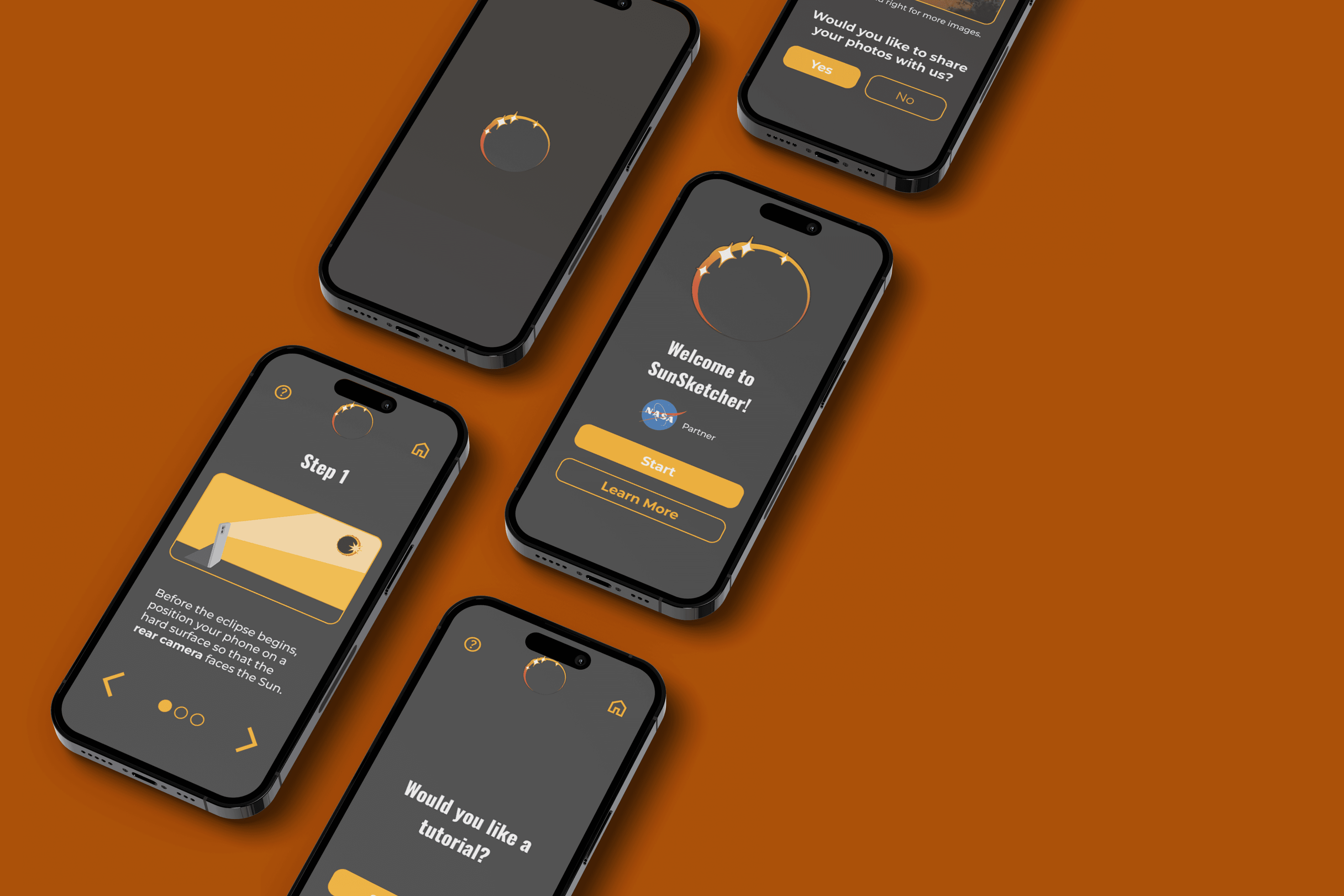
SunSketcher was an app that helps scientists collect image data from citizens to study Baily's beads. We developed the next iteration of SunSketcher to better accommodate users within the area of the eclipse. As well as redesigned the current SunSketcher interface to create a streamlined experience.
Project Goal
Create a streamlined experience for users that are non-English speakers to use the app.
Project Duration
Aug-Nov 2024
My Role
UX Researcher
Discover
Challenge
The next total solar eclipse will cross countries that may be primarily non-English speaking. While SunSketcher helped researchers during the last eclipse, its English-only interface may be difficult for users in those countries.
Research Objective
Our goal was to understand how non-English-speaking users in eclipse regions navigate science or data-collection apps, and identify barriers to comprehension and interaction.
Research
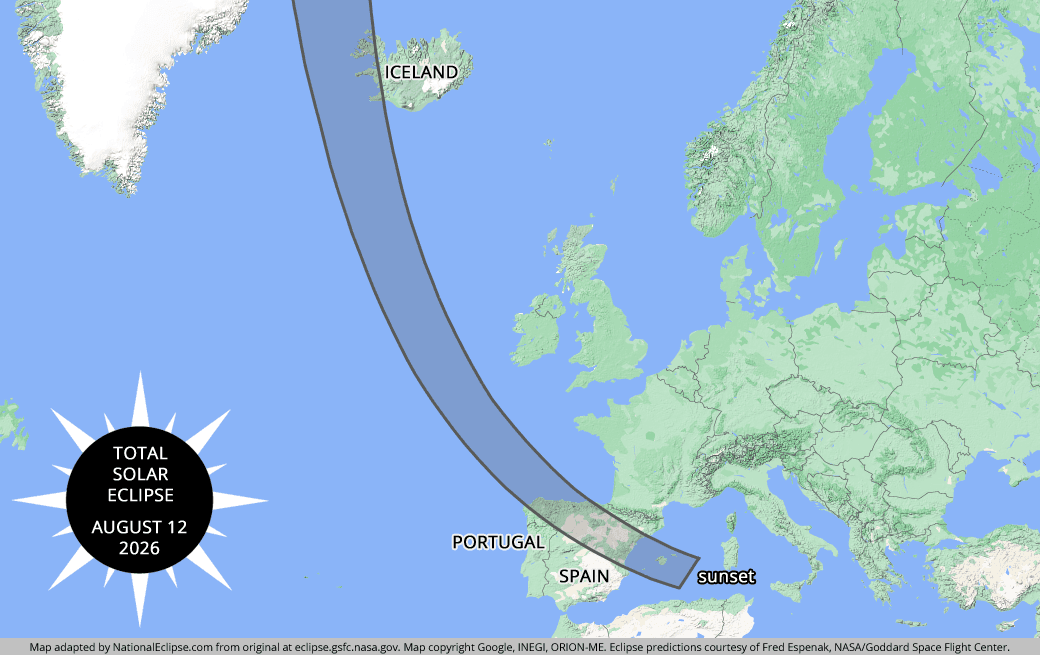
We used secondary research to understand how users in Greenland, Iceland, and Spain will use technologies since direct user contact was not feasible. We will focus on gaining insights into how they interact with technology and document patterns that will support the other members of our team to begin on the iterations of the newest version of SunSketcher! Because the previous total eclipse was in the North America region, the app is currently an English version.
Highlight
Designers should rely on icons and visuals to aid users with a language barrier.
Words and/or phrases should be limited, due to the language barriers.
Tech Analysis
After some online research, we see that the most popular phone brands are iPhone and Samsung. Most common apps used are WhatsApp, Facebook, and Instagram. So for the design of the app, we want to keep it simple and make minor changes.
Iteration
First Iteration
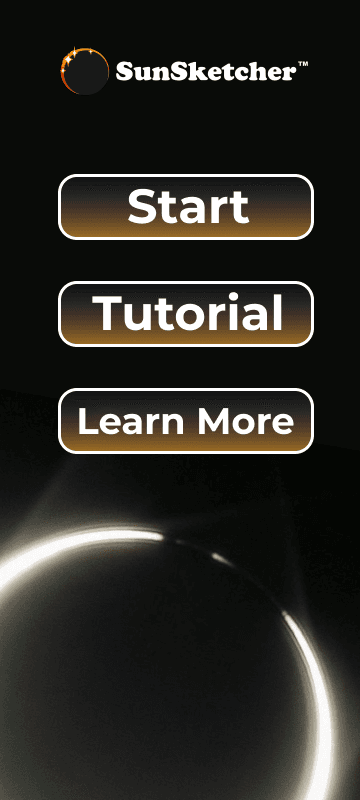
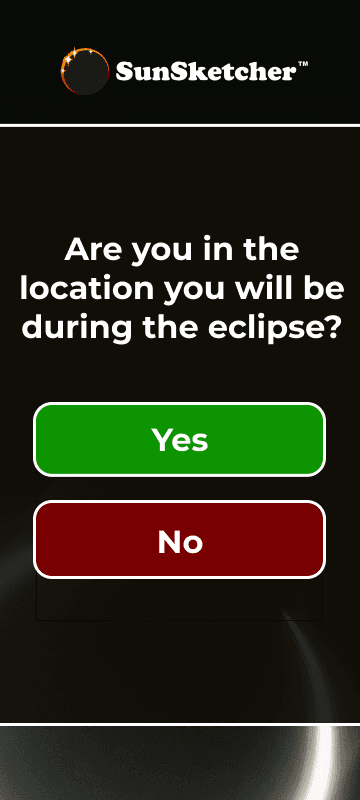
In the first iteration, we observed sizes of the buttons are large and there was no way to get back to the home screen.
Second Iteration
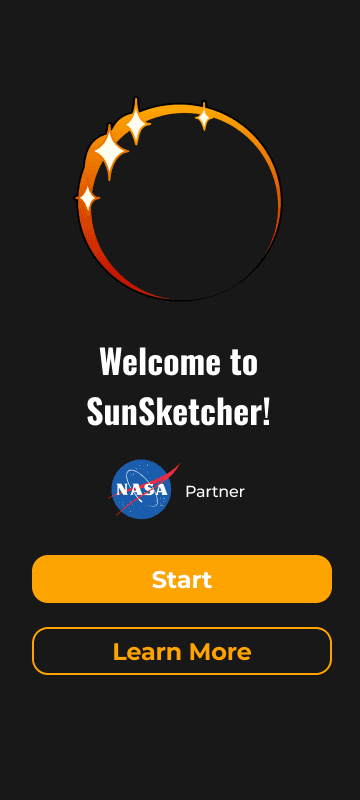
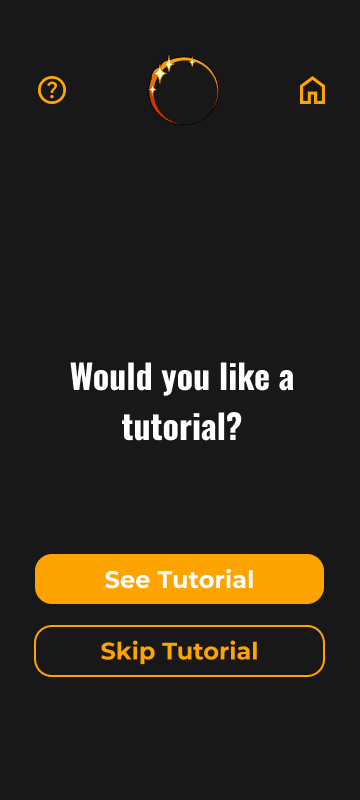
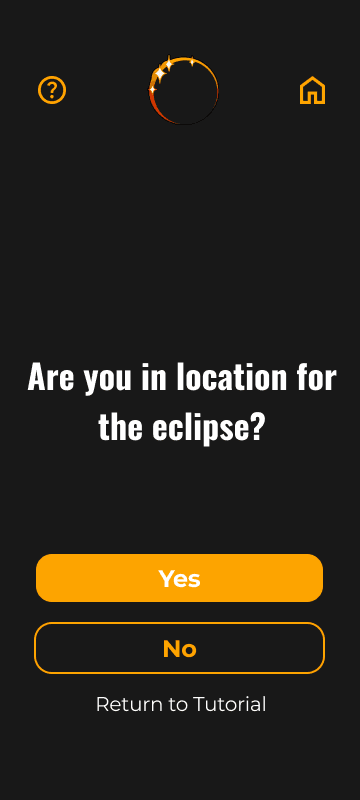
While we did scale down the buttons and added in the option to go back home, we also removed the tutorial button. The tutorial still exists, nested in start. By pressing start, the user will be taken to a screen prompting if you'd like a tutorial. The second iteration design looks more modern.
Testing
Results
We tested the redesign with 16 participants to evaluate whether navigation improved usability.
92.7%
Total Success Rate
86
System Usability Scale Score
Accessible — Effective — Engaging — Organized — Simplistic
Product Reaction Cards Top Response
Next Step
The next step is to implement the designs and push into development for the next solar eclipse. If there is one thing I would suggest, would be to add the tutorial button back to the home screen. Although it provides more options, it limits the amount of presses the user needs to take when they want to start. This way if they want to see the tutorial again, they don't have to go to start to see tutorial.