


Learn to craft delicious drinks at home
A mobile app that empowers users to customize and make at-home drinks through step-by-step tutorials.
About
Project Overview
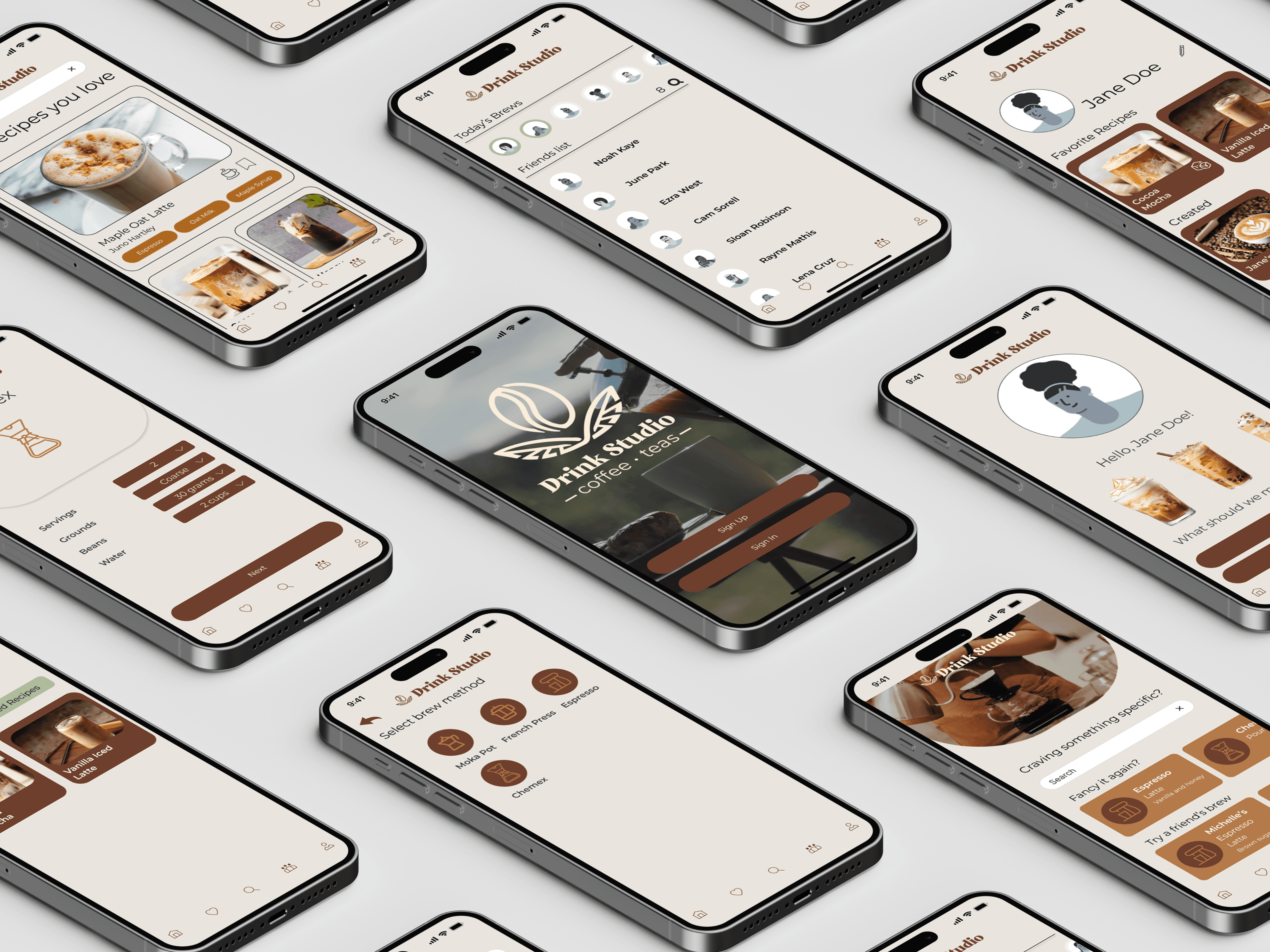
DrinkStudio is a mobile app designed to help users learn to make drinks at home through clear, step-by-step tutorials and customizable recipe guides. Unlike traditional recipe videos or web pages that require pausing, scrolling, or rewinding, DrinkStudio offers a seamless, hands-on learning experience that keeps users focused on the process. It's built for home baristas and beginners alike.
Before designing, we wanted to understand:
- What motivates people to make drinks at home?
- What pain points do they face when following recipes and tutorials?
- How skilled and confident are they?
Project Goal
To create an easy-to-use app that teaches users how to make drinks through guided, customizable tutorials. Helping beginners and enthusiasts learn new skills without frustration (primarily focusing on coffee drinks).
Project Duration
Mar-May 2025
My Role
UX Researcher & UX designer
Tools
Figma, FigJam, Google Forms
Research
Problem statement
Users who want to make drinks at home often rely on recipe websites or videos that require constant pausing, rewinding, or scrolling.
Survey
We began with a short survey to validate assumptions about user motivations and identify the main challenges of at-home drink making. The survey was completed by 8 participants, most were students or young professionals who regularly enjoy coffees and teas.
What is your experience level with making drinks at home?

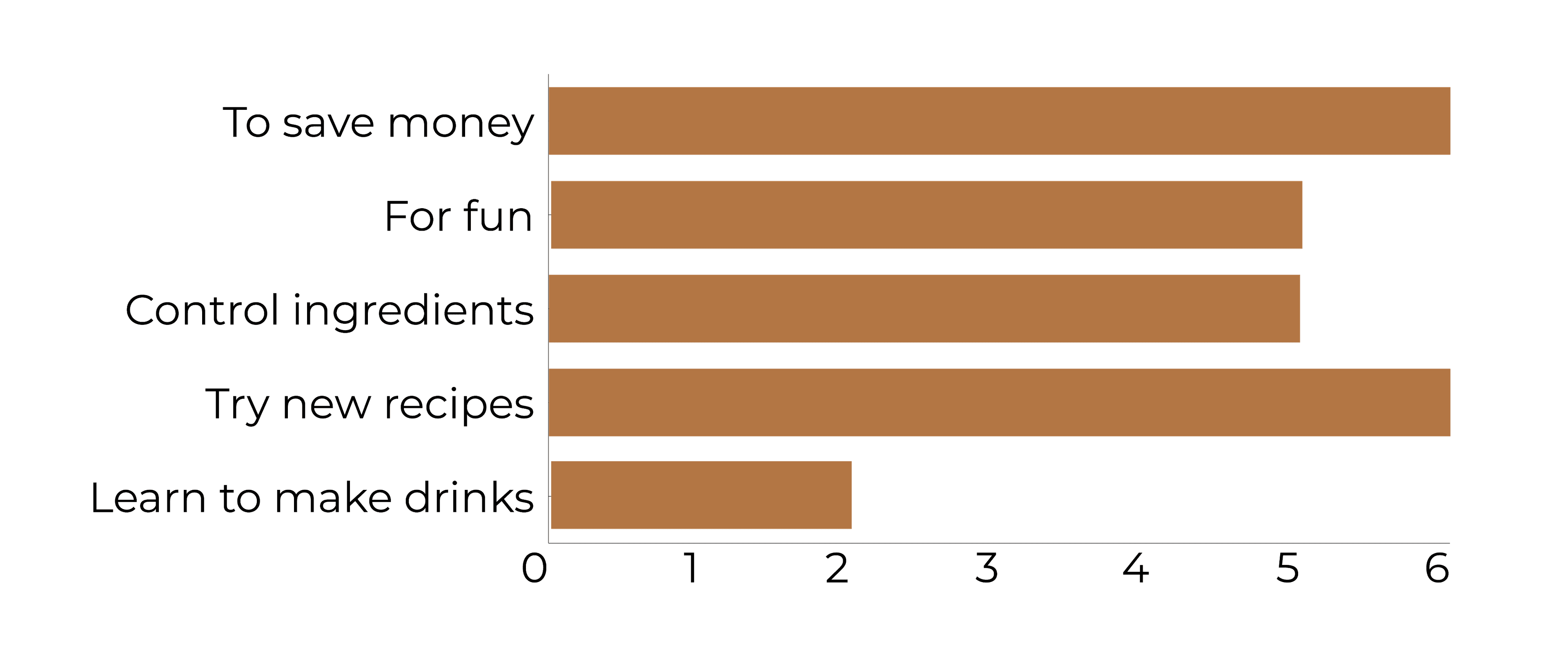
Why would you make drinks at home?
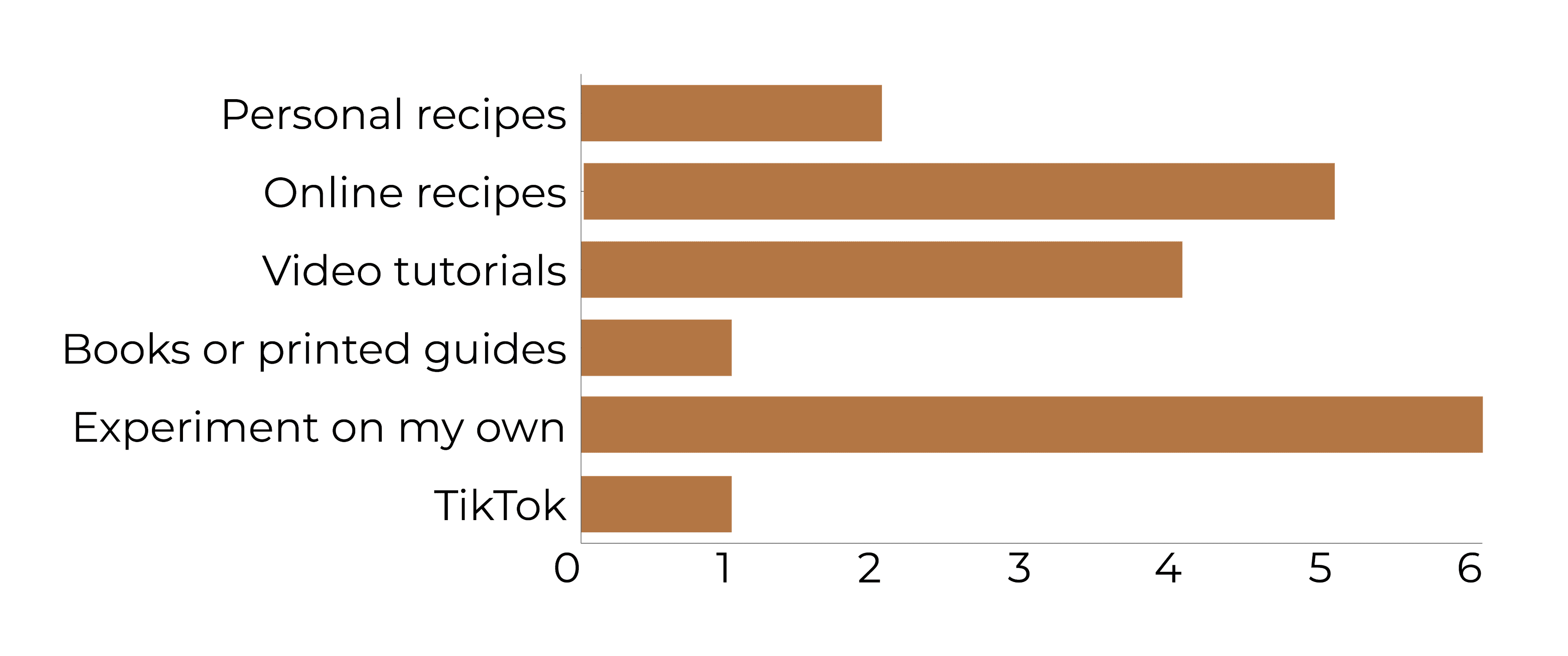
What do you usually reference when making drinks?
Key Insights
- Users primarily make drinks to save money and try new recipes.
- Most rely on online recipes and experimenting on their own.
- Beginners may feel less confident.
Ideation & Wireframing
FigJam
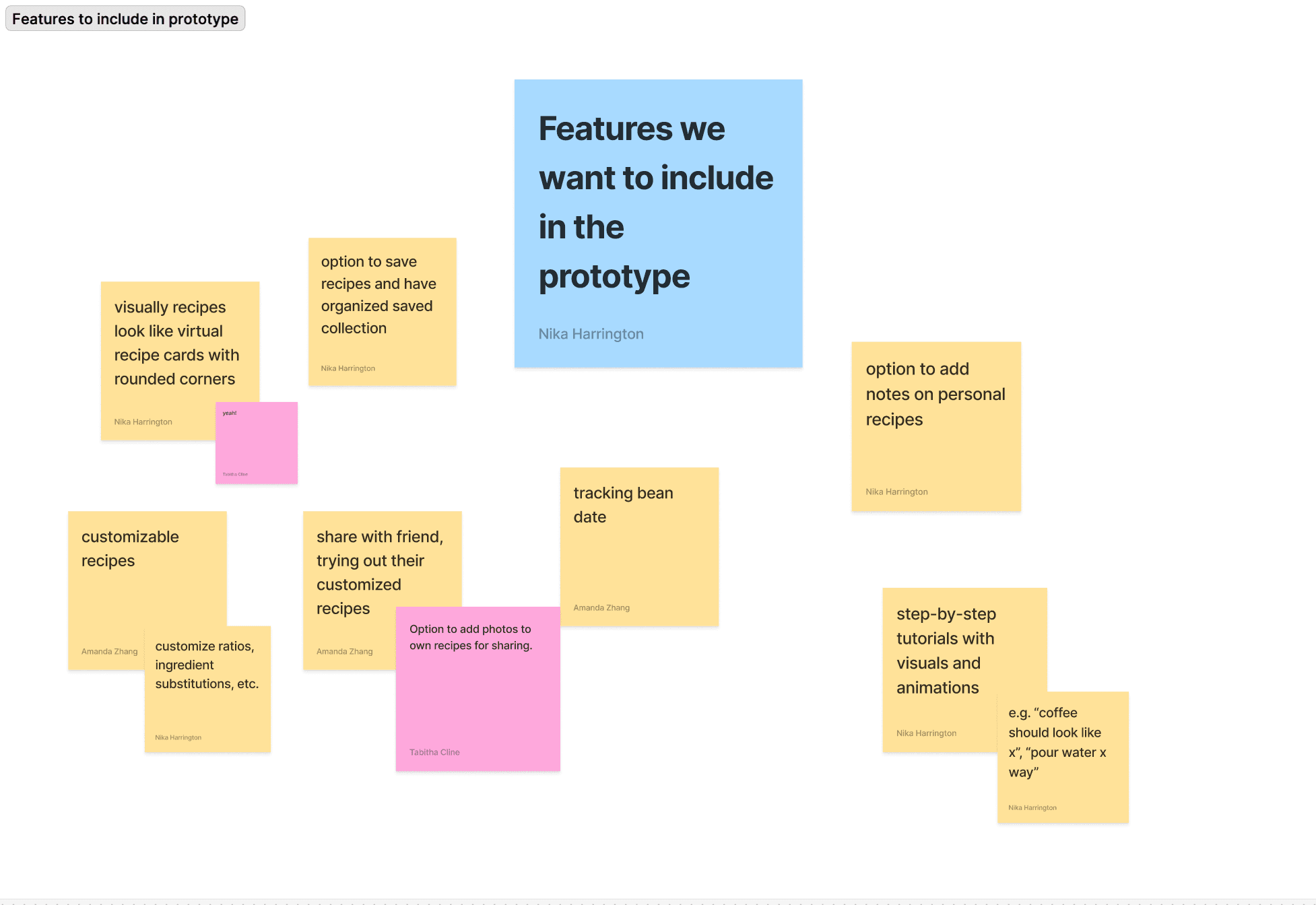
Our team used FigJam to share ideas, brainstorms and ideate. For example, we used it to keep track of features we wanted to include in the app so we can start with sketches.
User Flow
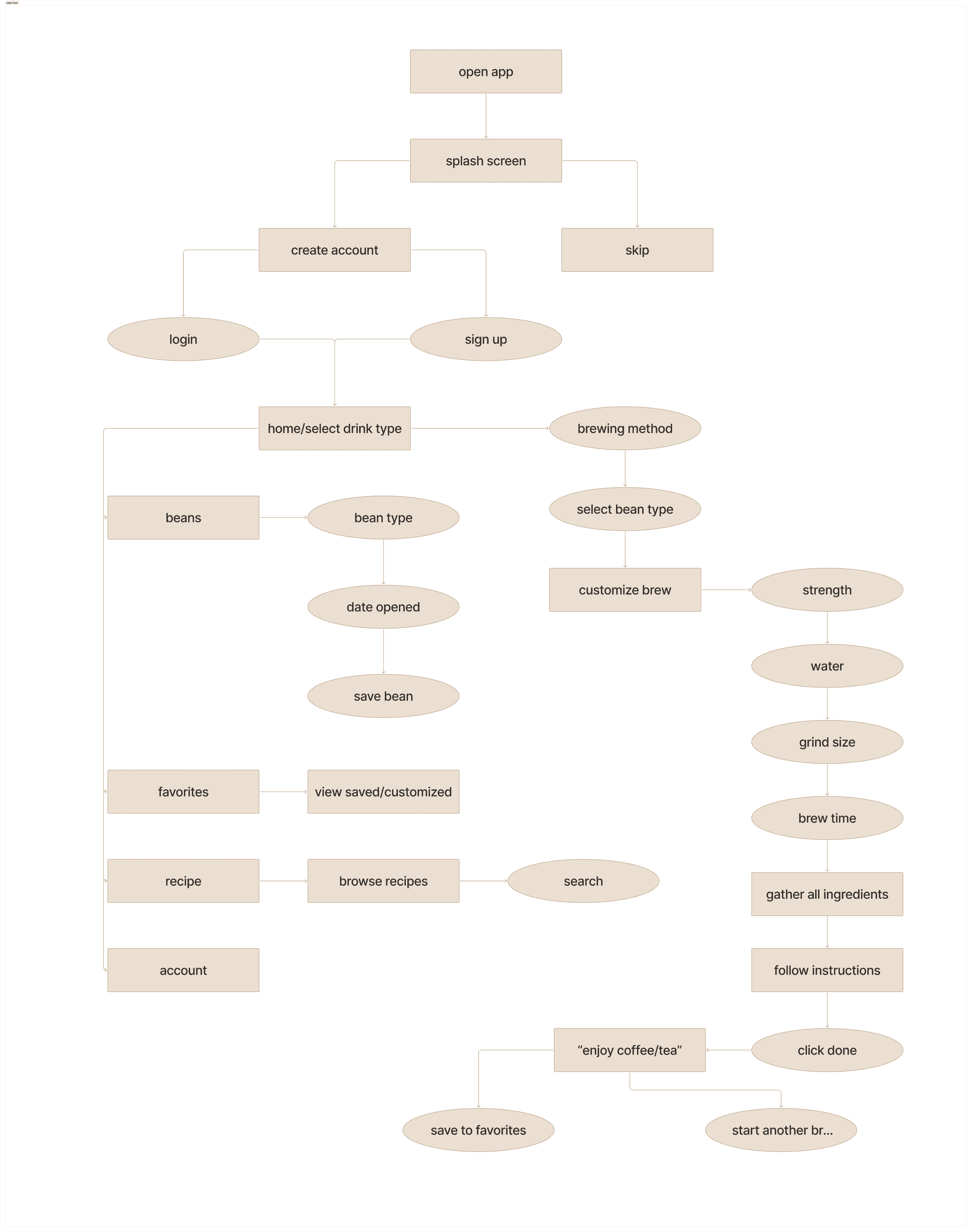
The user flow helps us identify what screens need to be created and how the user might navigate through the app.
Sketches
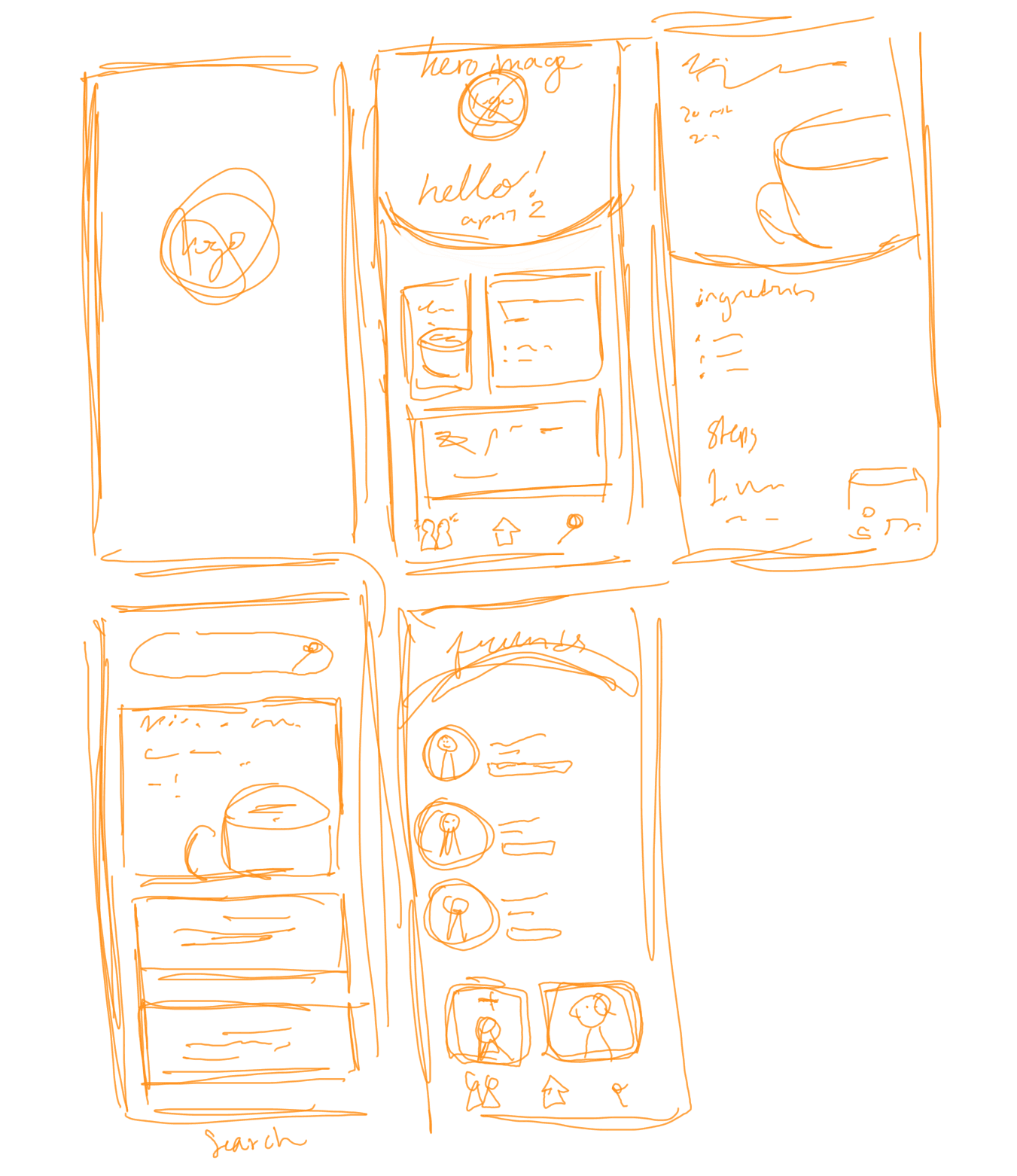
Quick initial sketches to help generate ideas on how we would like the interface to look.
Created by Tabby
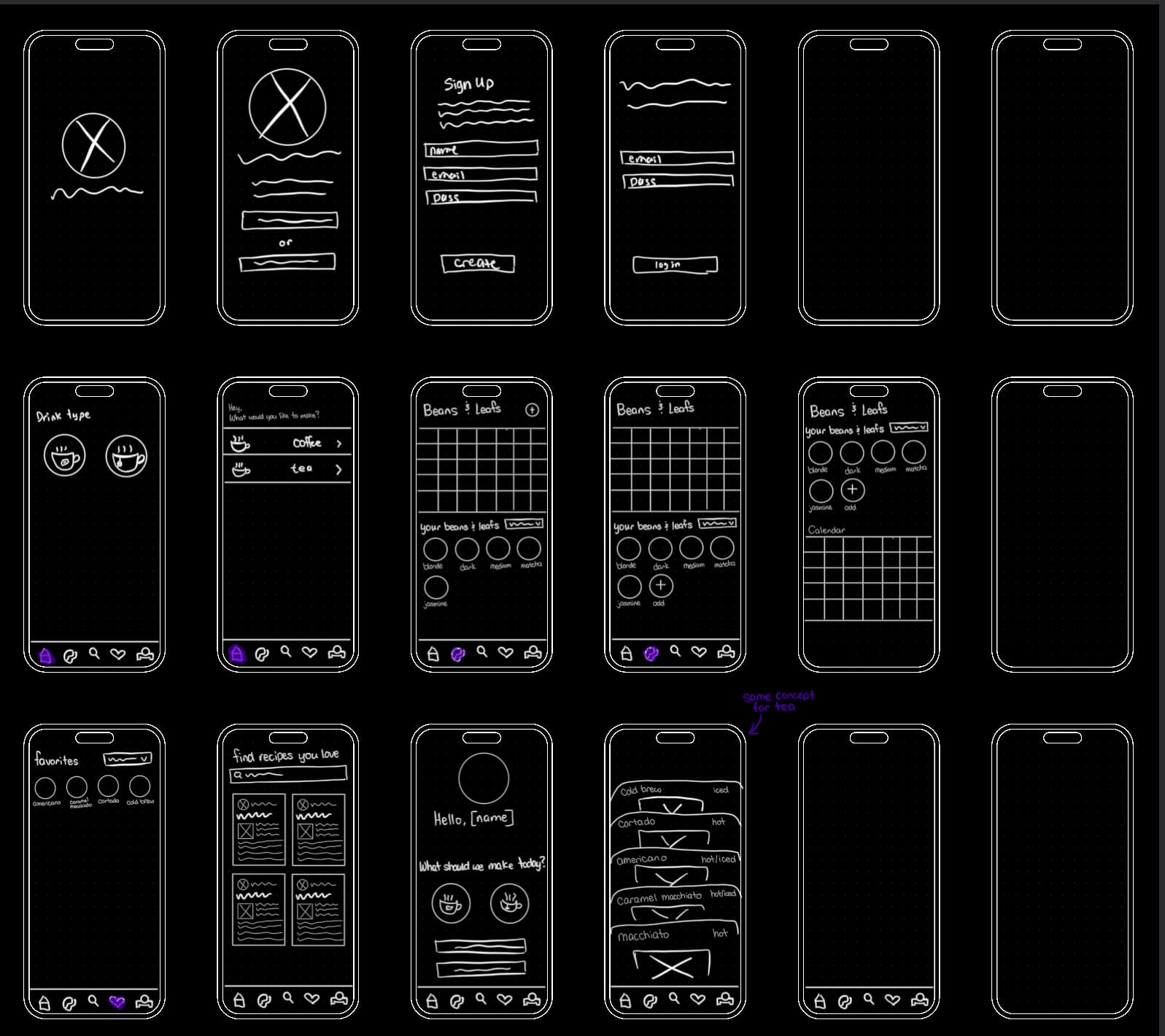
Created by Amanda
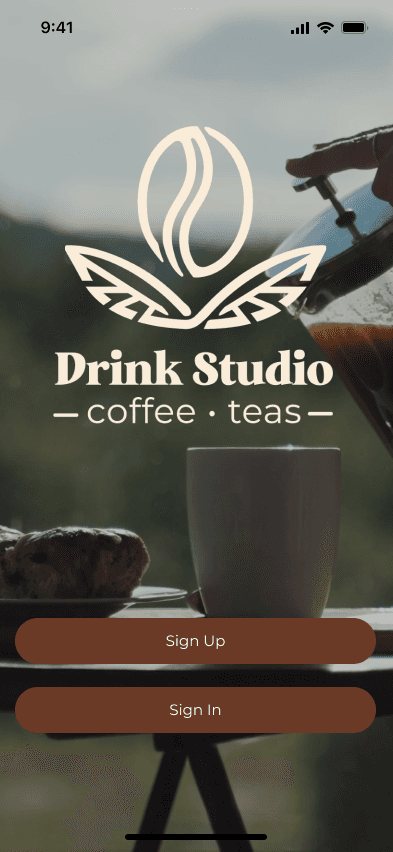
Designs
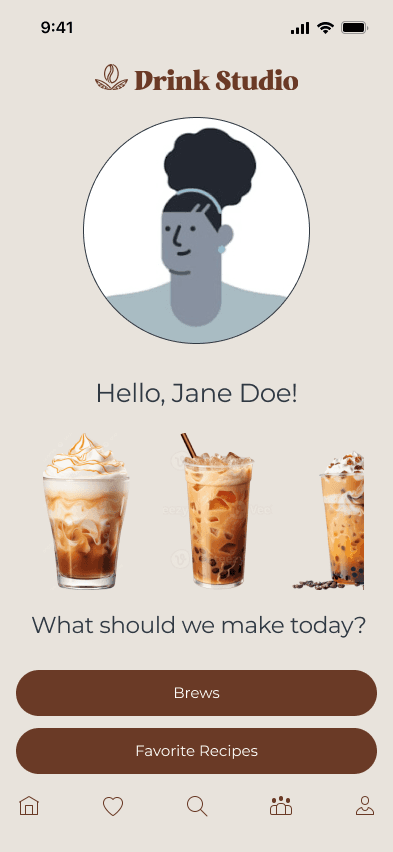
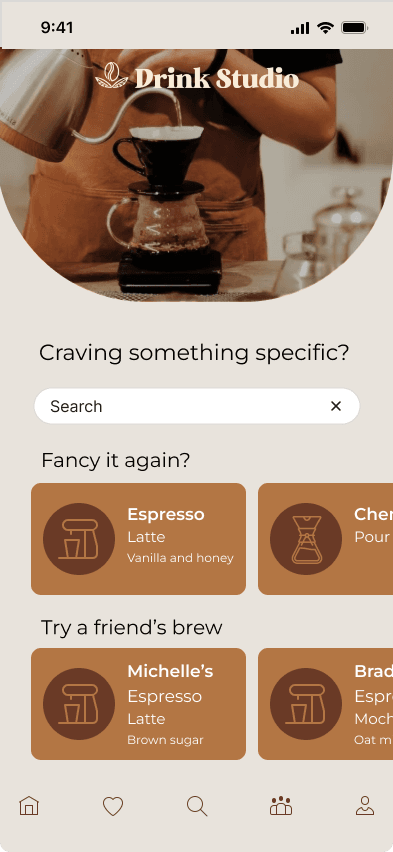
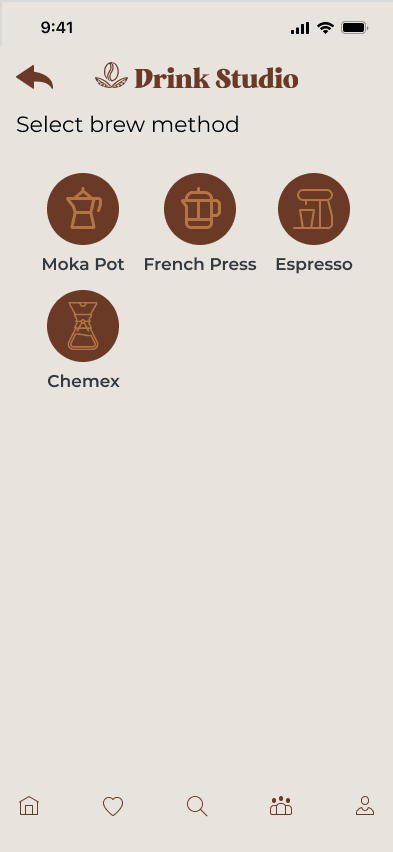
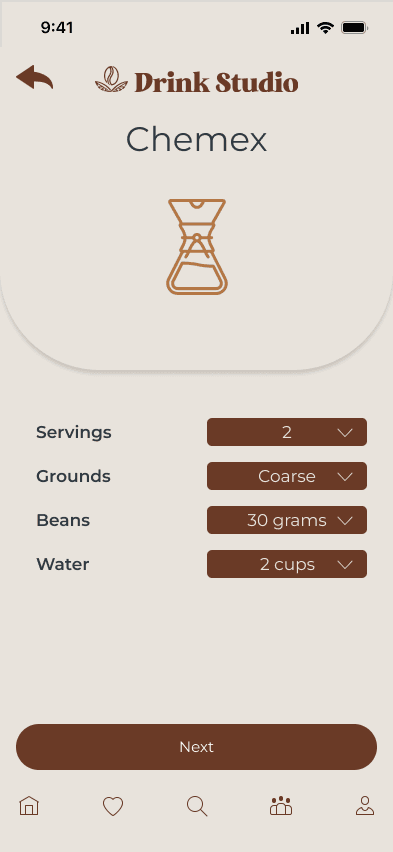
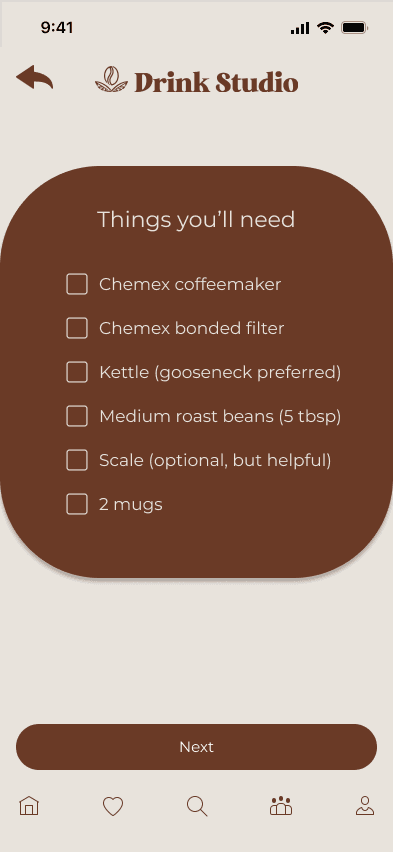
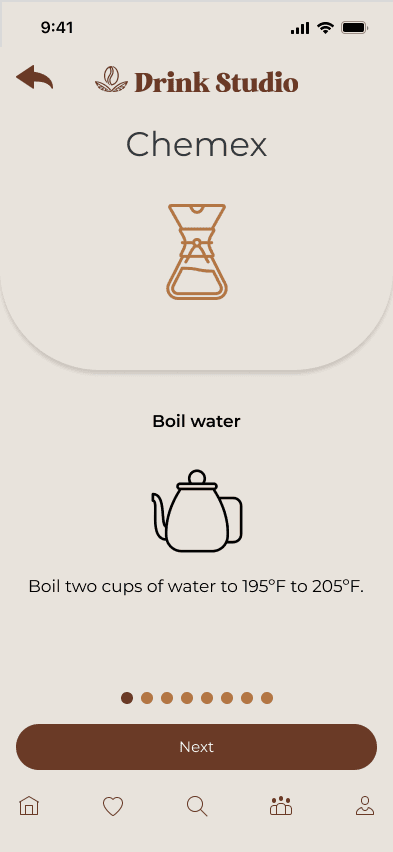
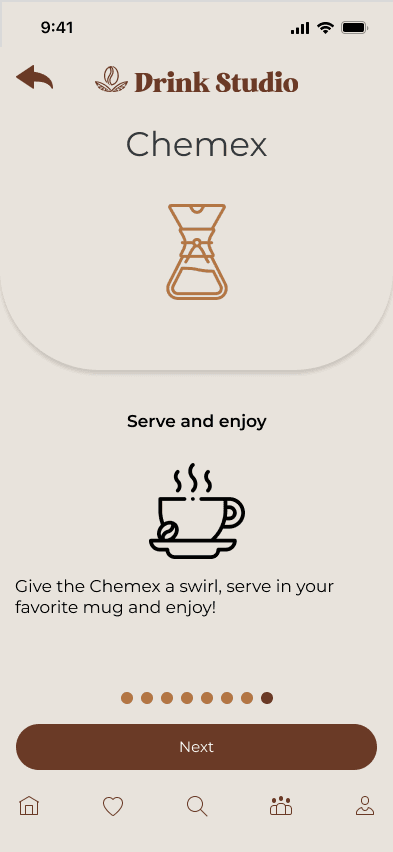
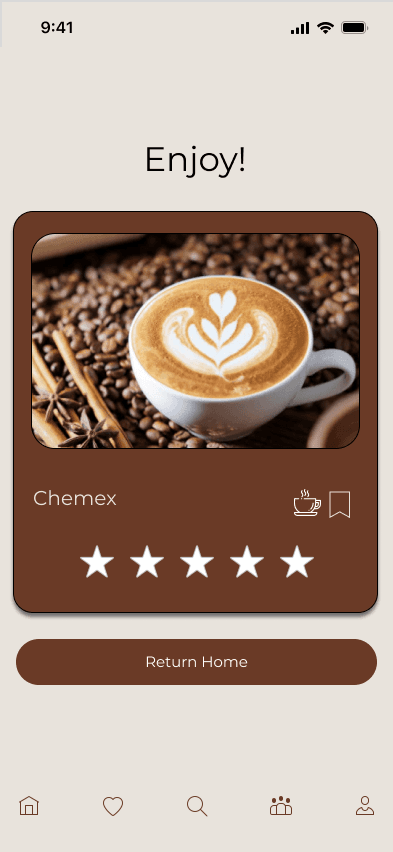
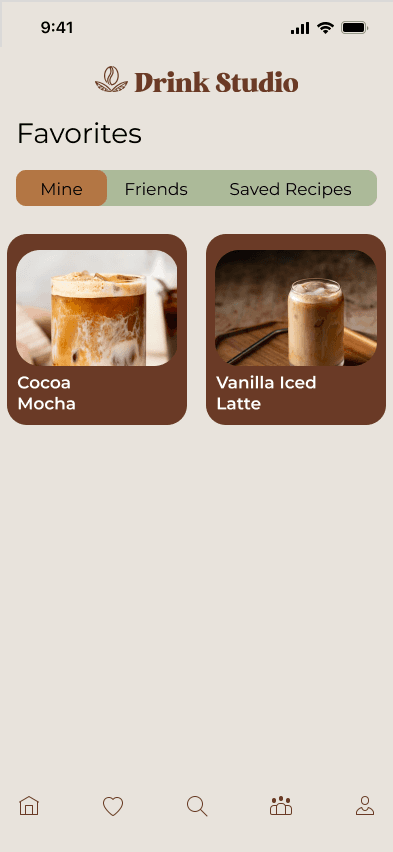
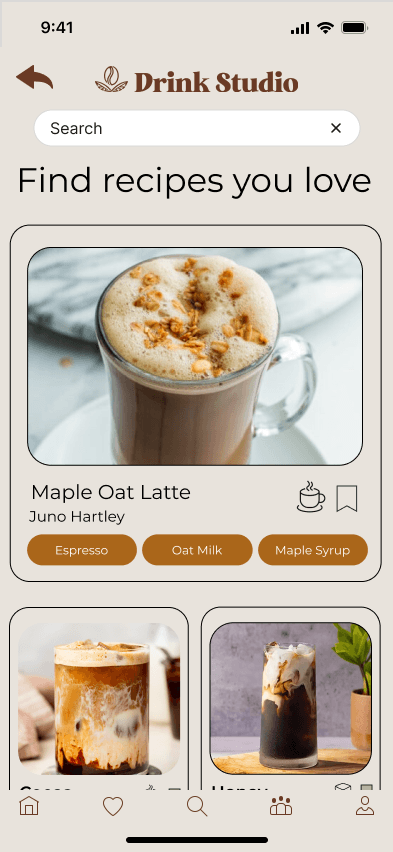
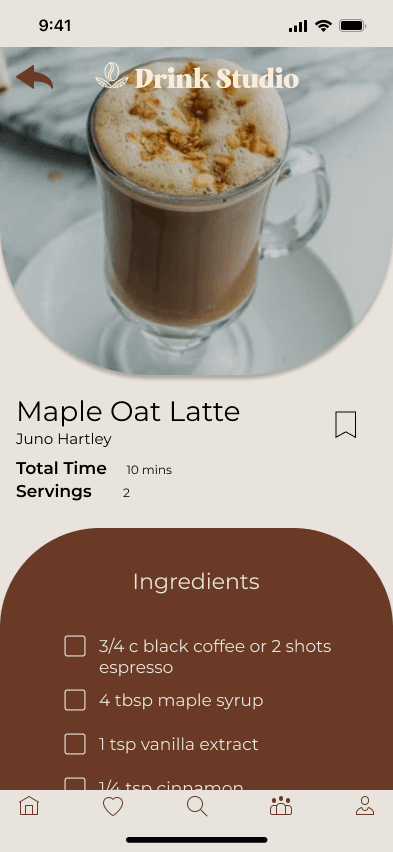
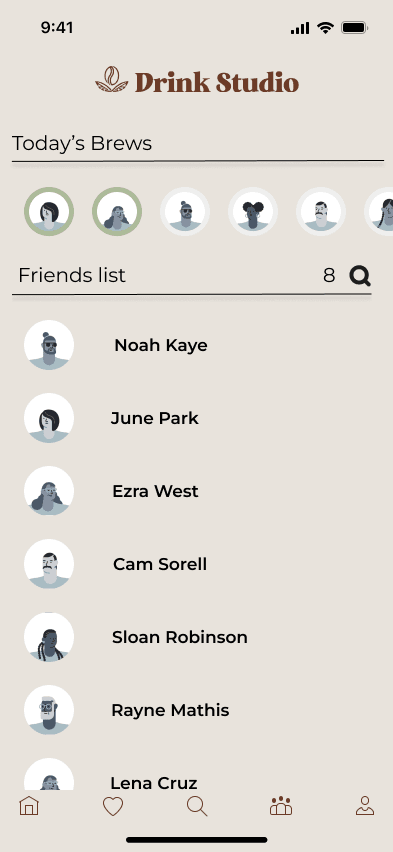
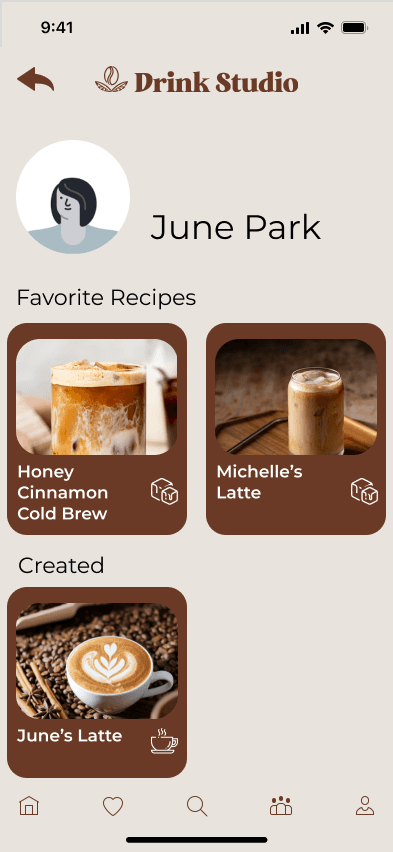
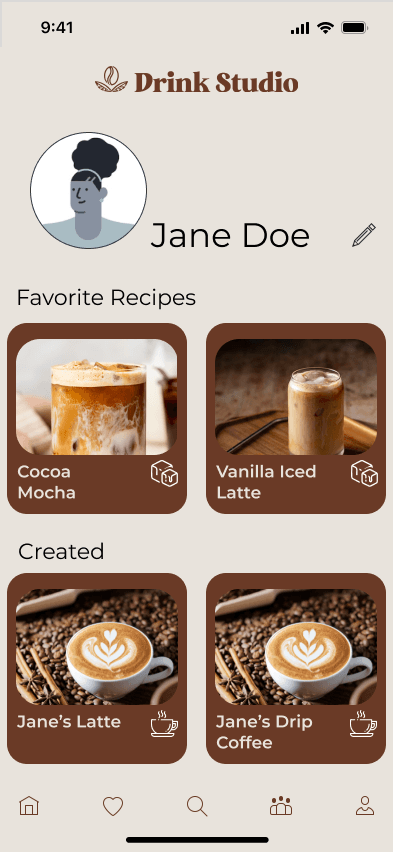
Testing
Results
We conducted testing with 6 participants, and made small adjustments. The goal of our usability test was to evaluate whether the flow allowed users to complete drink tutorials without needing to pause or backtrack.
100%
Total Success Rate
91.67%
System Usability Scale Score
6
Participants
9
Tasks
Next Step
Majority of the participants expected to be able to swipe between instructions, so we added in the function to be able to swipe as well as clicking the next button.